
Connecting a heated towel rail to WI-FI
CONNECTING THE TOWEL DRYER TO THE APPLICATION:
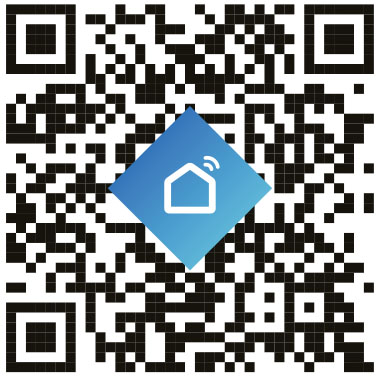
Scan the QR code below to quickly download the Smart Life app, or search for it manually:
Using the app, you can remotely control the thermostat, set operating schedules, and monitor the temperature in real time.
Register or log in to the application.
To pair with the heated towel rail, connect your phone to your Wi-Fi network.
(note - frequency 2.4 GHz) .
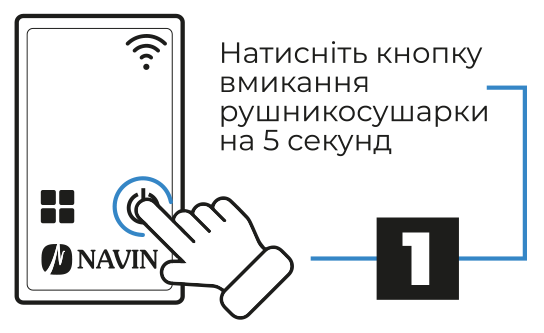
1. Press the heated towel rail power button for 5 seconds
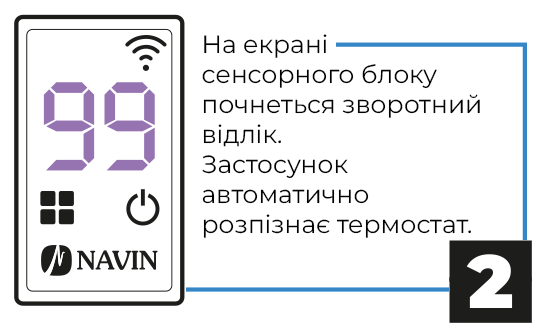
2. A countdown will begin on the touch screen.
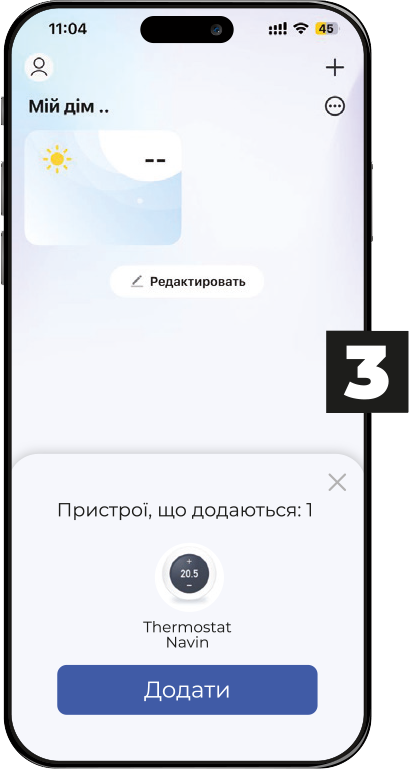
3. Connect the heated towel rail by clicking "Add"
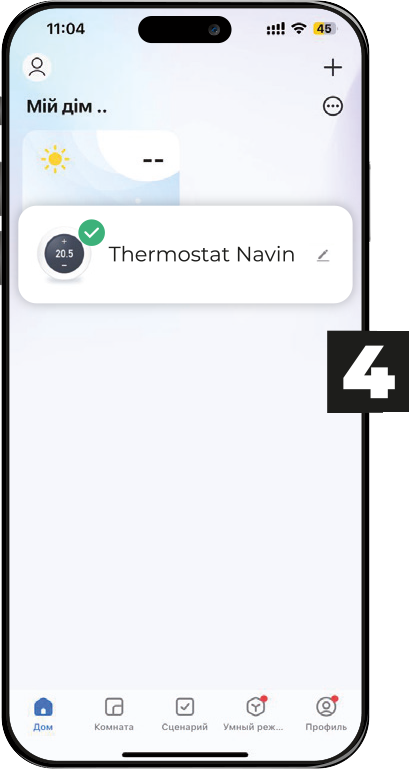
4. The heated towel rail is connected and ready to use.
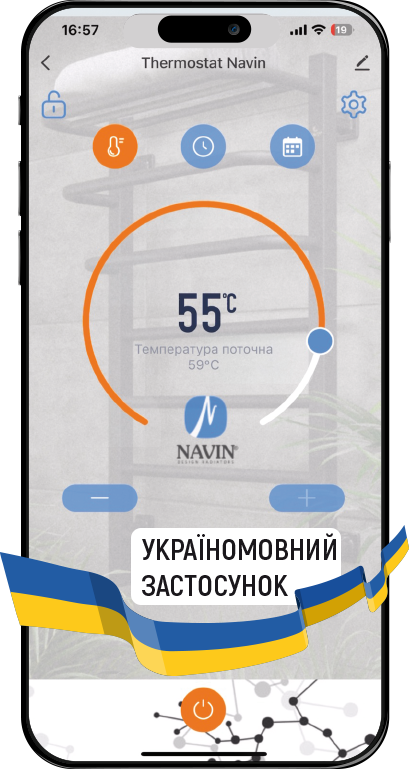
5. Enjoy your use.